

The categories you can act on directly
- High-severity confirmed — verified by Burp, near-zero false positive rate
- TLS / cert issues — usually accurate; double-check on SSL Labs
- Header issues — missing security headers, easy to confirm with curl
The categories that are noisy
- Reflected XSS — Burp false-positives constantly. Always reproduce manually before believing.
- SQL injection (time-based) — load on the DB, network jitter, or rate-limiting can produce false positives. Confirm with a payload that returns specific data.
- Open redirects — many legitimate redirect endpoints are flagged. Check whether the destination is attacker-controlled.
- CSRF on state-changing forms — Burp doesn't always understand SameSite cookies. Verify the actual request origin policy.
The categories Burp is bad at
- BOLA / IDOR — Burp doesn't know your auth model
- Race conditions — needs the Turbo Intruder or manual scripting
- Logic flaws — out of scope for any automated scanner
Our triage flow
- Filter Burp's issues by severity
- For each High and Critical, manually reproduce before logging
- For Mediums, batch-review in 15 minutes per category
- Lows go into the report as observations, not findings
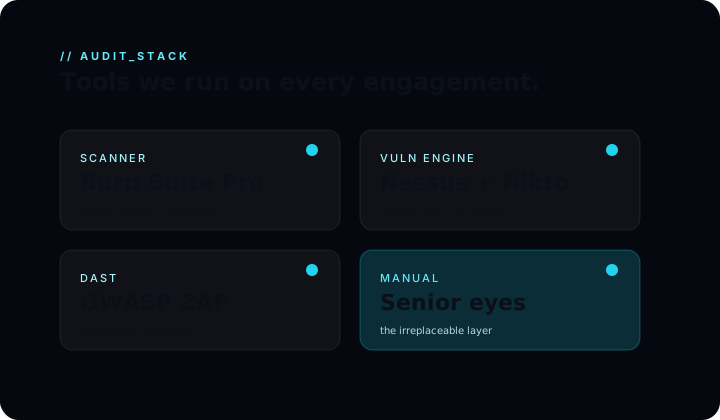
- Combine with the Nessus + ZAP output, dedupe, then start manual hunting
This pass takes about half a day for a typical web app. The remaining 4–5 days of the engagement are pure manual review — and that's where the real value lives.
// tags:
#burp suite
#tools
#reference